 01 · Place
Start with your site
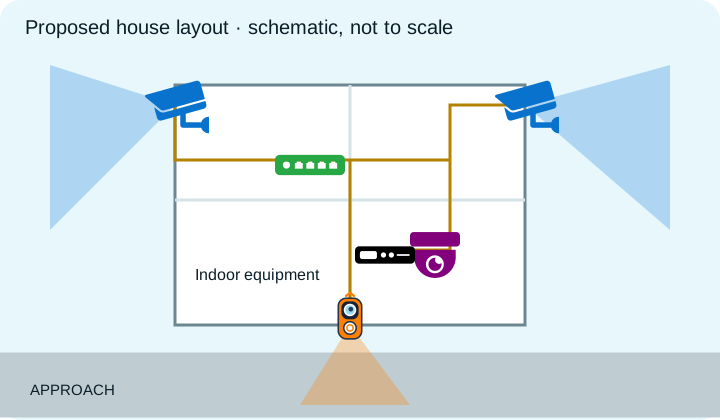
Search an address, place devices and label what matters. Use a starter layout for a doorbell, driveway, shop or Blue Iris system.

CAMERA PLANNING, MADE CLEAR
Place cameras and doorbells on a map. Explore coverage, plan network connections, and turn your layout into a useful installation document.
Try the map without an account. Sign in to save projects and export PDFs. Free plan: up to 6 devices.
FROM IDEA TO INSTALLATION PLAN
01 · PlaceSearch an address, place devices and label what matters. Use a starter layout for a doorbell, driveway, shop or Blue Iris system.
 02 · Plan
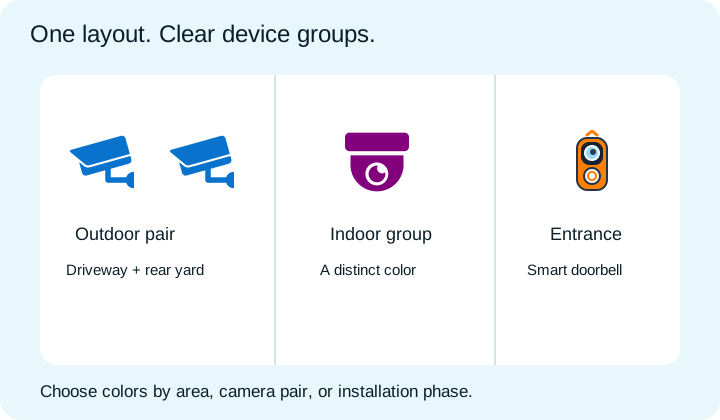
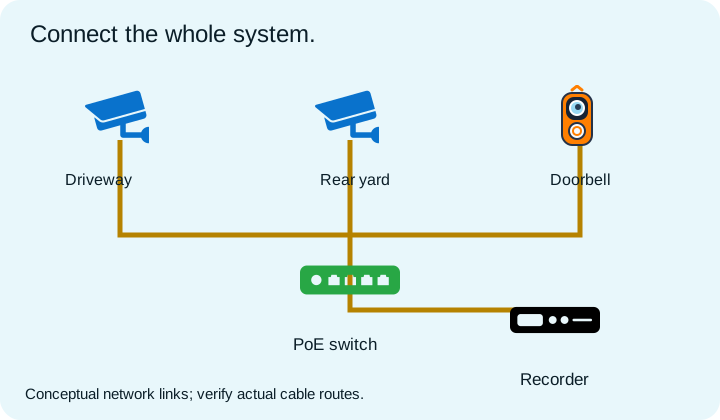
Use colors to distinguish indoor and outdoor areas, pair cameras, or organize installation groups. Rotate views, adjust range and add network connections. Treat every cone as an estimate to validate at the property.
 03 · Share
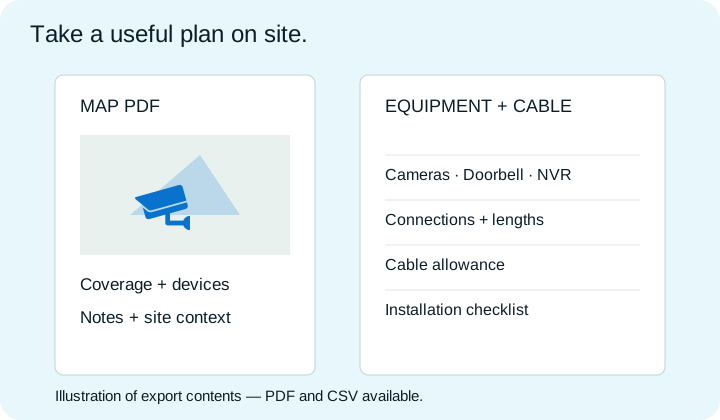
Save a project, create a share link, export a map PDF, or download an equipment and cable schedule.
Plan cameras, smart doorbells, recorders, PoE switches, access points, computers and Blue Iris PCs together. Useful for a home upgrade or a small installation job.
Plan a Blue Iris network →Keep notes, compare viewing angles and estimate connections. Use an image overlay on a paid plan, then document the final design.
See how export works →Search. Place. Rotate. Connect. Save.
Open CCTV Mapper