
Plan a Blue Iris camera network
Document cameras, the network switch and the Blue Iris PC in one layout before installation. CCTV Mapper plans the arrangement; it does not configure or connect to Blue Iris.
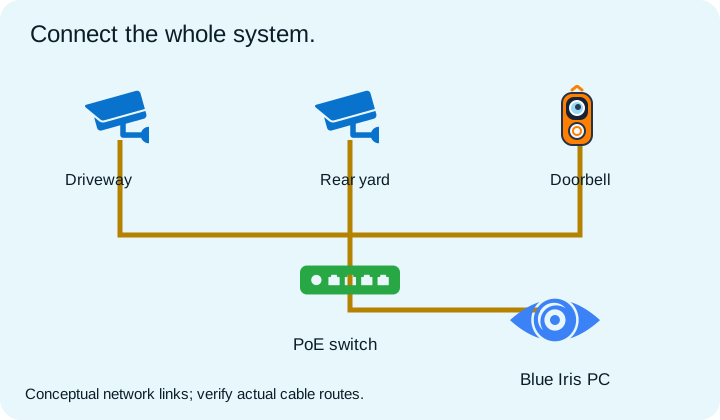
- Place the PC and switch, then add the cameras at proposed mounting locations.
- Draw supported network connections and record cable-route notes. Check that switch ports and PoE power are sufficient.
- Estimate aggregate camera bitrate and recording storage. Actual use depends on recording settings, compression and scene complexity.
- Export an equipment schedule and map PDF for installation, then update the plan to match the completed system.
Planning guidance, not installation certification. Follow the device manufacturer’s instructions and validate the finished system.
Use this starter layoutTry the planning calculators →
CCTV Mapper product guide · Updated October 16, 2026